
 tracybrinkmann
Why No Code AI Is Changing the Game for Entrepreneurs
It used to take a team of developers, months of coding, and a big budget to launch a tech business. Not anymore. Today, all you need is a problem worth solving, the right tools, and a willingness to learn fast.
That’s the magic of no code AI.
(I did a full episode on this – click here to check it out)

No code platforms let you build software without writing a single line of code. Add AI into the mix, and suddenly you can create tools that think, write, respond, and adapt. It’s like giving your business a digital brain without hiring an engineer.
If you’ve got ideas but no technical background, this is your window. This guide walks you through exactly how to build a no code AI business from zero, using tools that are powerful, affordable, and designed for people just like you.
Step 1: Find a Problem That AI Can Solve
Every great business starts with a problem. The trick is spotting one that can be solved faster or better with AI.
Start by looking at things people do over and over again. These are tasks that waste time, burn energy, and cry out for automation.
For example
- A real estate agent manually follows up with every new lead
- A content creator spends hours rewriting product descriptions
- A coach types the same onboarding email to every new client
Your job is to look at those moments and ask yourself, what if a tool could do this in 10 seconds?
Once you spot that opportunity, you’re on your way.
Step 2: Pick a Way to Make Money
There’s more than one way to turn your solution into revenue. The right model depends on how people use your tool and how often.
Here are a few to consider
- Sell a monthly subscription for access to your tool
- Offer a done-for-you service using AI in the background
- Create and sell templates or prompt packs
- Build an automation that collects leads and sells them
- Turn your workflow into a one-click solution for businesses
Start simple. You can always expand later. The key is to make sure someone is willing to pay for the outcome.
Step 3: Design a Clear Workflow
Before you start building, map out exactly what your tool needs to do from start to finish.
You don’t need to sketch out an entire SaaS app. Just focus on the steps that lead to the result.
Let’s say you want to help freelancers write better proposals
- Step one: they paste in the job description
- Step two: AI generates a custom proposal
- Step three: they receive a polished PDF
That’s it. A clean path from input to output.
Step 4: Choose the Right No Code and AI Tools
Now comes the fun part. You’ll connect visual builders, automation tools, and AI engines to bring your idea to life.
Builders
- Bubble for full web apps
- Glide for mobile-friendly tools
- Softr for fast internal apps
- Carrd for landing pages
- Tally for forms and surveys
AI Tools
- ChatGPT for text generation
- Claude for longform logic
- Midjourney for images
- ElevenLabs for voice
- Replicate for open-source models
Automation Platforms
- Zapier for easy connections
- Make for deeper workflows
- Pabbly for cost-effective options
- Bardeen for browser-based automations
You only need a few tools to get started. Choose ones that are simple to connect and easy to manage.
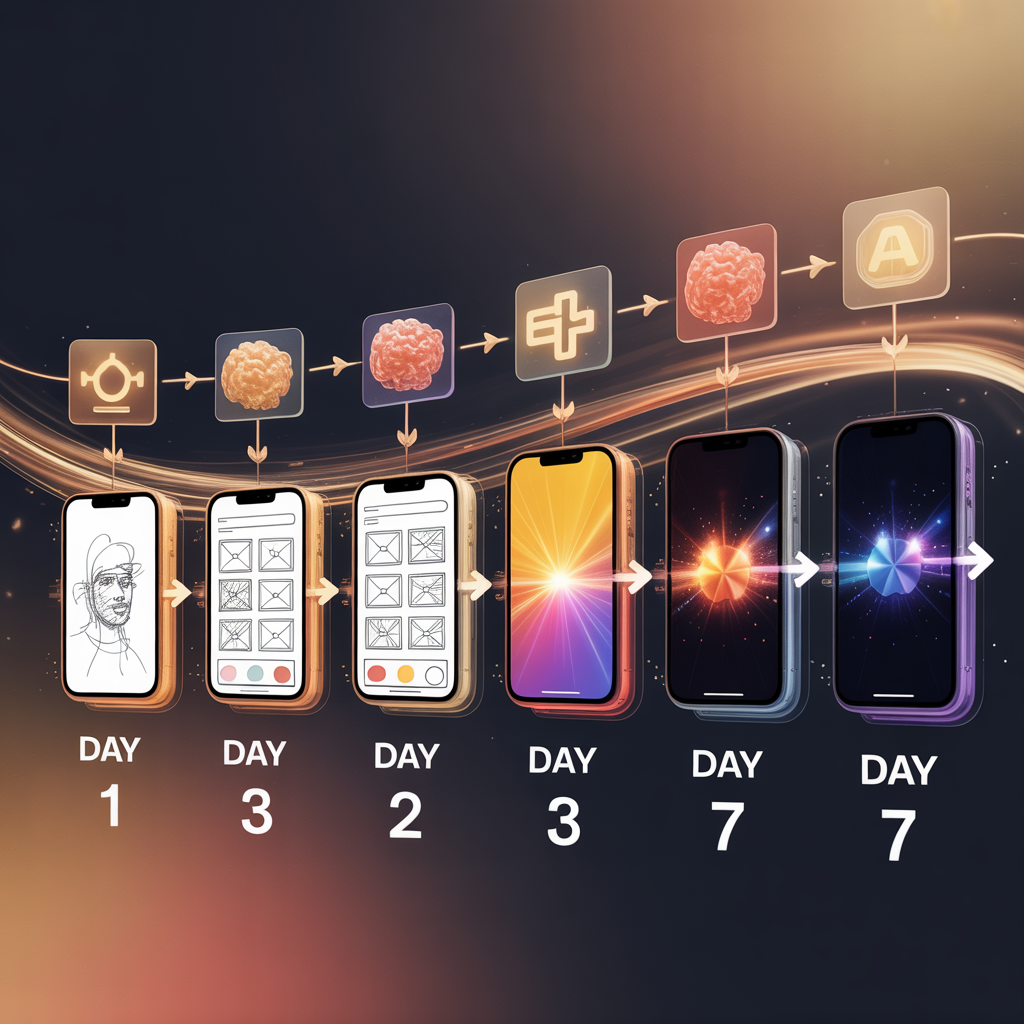
Step 5: Build a Minimum Version in Under a Week
Your MVP, or minimum viable product, isn’t a full business. It’s just a working version of your idea that delivers results.
Here’s what it needs
- A front end where users interact
- A backend that processes the request
- A way to collect feedback or interest
You don’t need fancy UI. You don’t even need full automation on day one. Focus on making sure your tool actually helps someone.
Step 6: Share It and Listen Closely
Once your MVP is working, get it in front of real people. Post in communities. Send it to friends in your target audience. Ask for feedback that goes deeper than “This is cool.”
Ask questions like
- What confused you?
- What was missing?
- What would make this worth paying for?
Use the answers to improve your offer and messaging.
Step 7: Turn It Into a Real Product
Now that you’ve validated your idea, it’s time to make it official.
- Add payments with Stripe, Gumroad, or LemonSqueezy
- Write an onboarding guide using Loom
- Clean up the design with Canva or Figma
- Add testimonials or case studies
- Launch your product site and collect emails
You don’t need to go viral. You just need your first paying users.
How to Grow Once You're Live
After launch, your job is to systemize growth and build momentum.
Here’s where to start
- Set up automated onboarding
- Create a simple affiliate program
- Add upsells like templates or extra features
- Build in-app feedback loops
- Share tutorials on YouTube, LinkedIn, or TikTok
Every automation you build adds value without adding effort.
Common Questions From First-Time Builders
Do I need to be technical?
No. The entire point of no code is that anyone can build with it. You’ll learn by doing.
How much does it cost to launch?
You can get started for under fifty dollars. Most tools have free tiers to test with.
Can I do this solo?
Absolutely. Many successful tools are run by a single founder using smart systems.
What niches work best?
Look for industries with lots of repetitive work. Think education, real estate, coaching, legal, HR, or service businesses.
Products and Tools You’ll Want to Explore
- Softr and Glide for building
- ChatGPT and Claude for AI text
- Zapier and Make for automation
- Stripe and Gumroad for payments
- Loom for tutorials
- Beehiiv for newsletters
- Carrd for landing pages
- Canva for visuals
- Notion for project planning
- Fathom for simple analytics